Cookie anyone?
We use cookies to personalise content and ads, to provide social media features and to analyse our traffic. You consent to our cookies if you continue to use our website. learn more

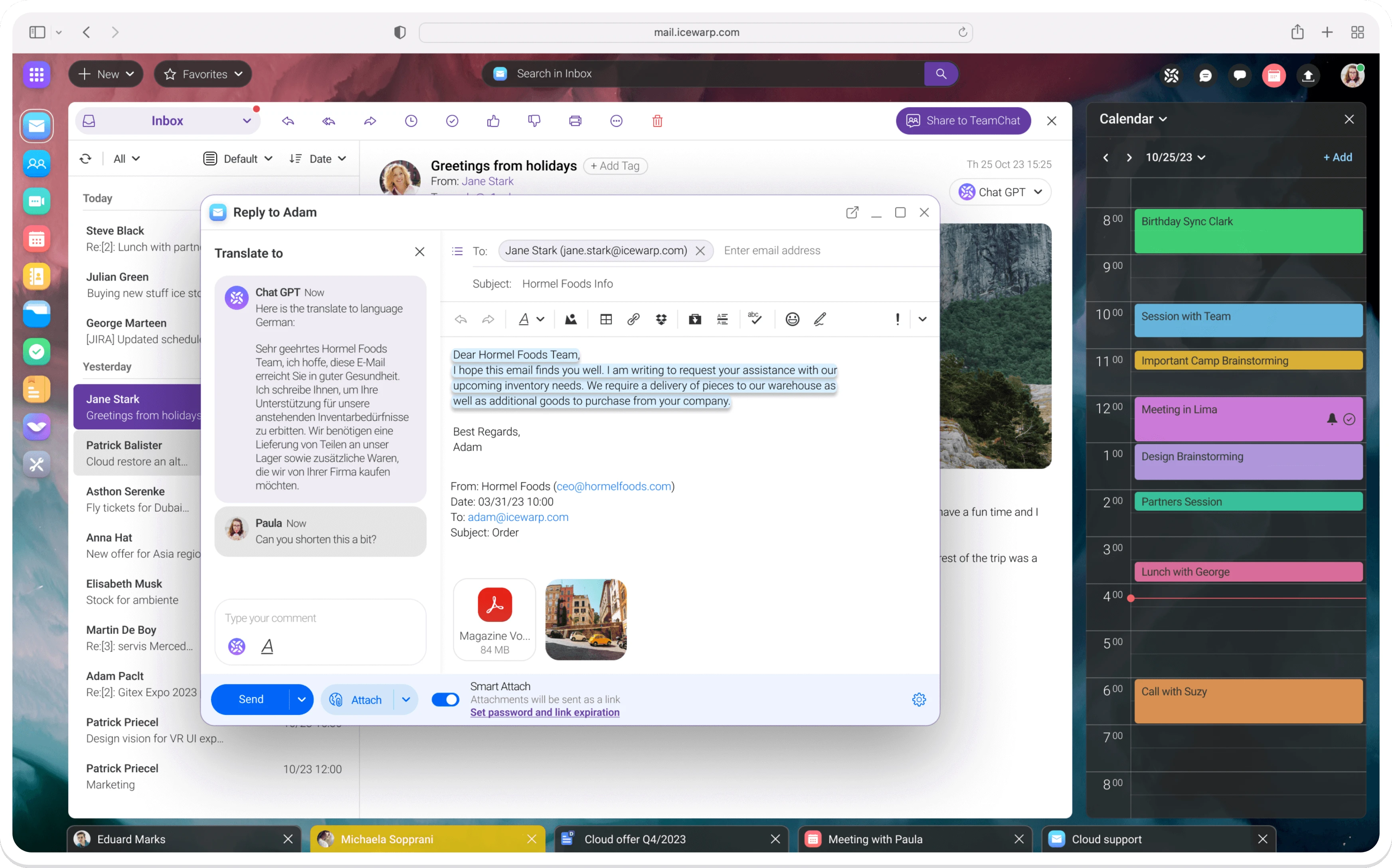
Your inbox is a starting point for TeamChat communication and online meetings while also enabling you to create, share and edit documents as a team. ChatGPT integration lends a hand with smart features such as suggest a reply, make a quick overview or translate. Your notes and tasks, calendars and chats are there too. IceWarp secure cloud solution is accessible from anywhere and works in real-time, so it’s suitable for remote work.

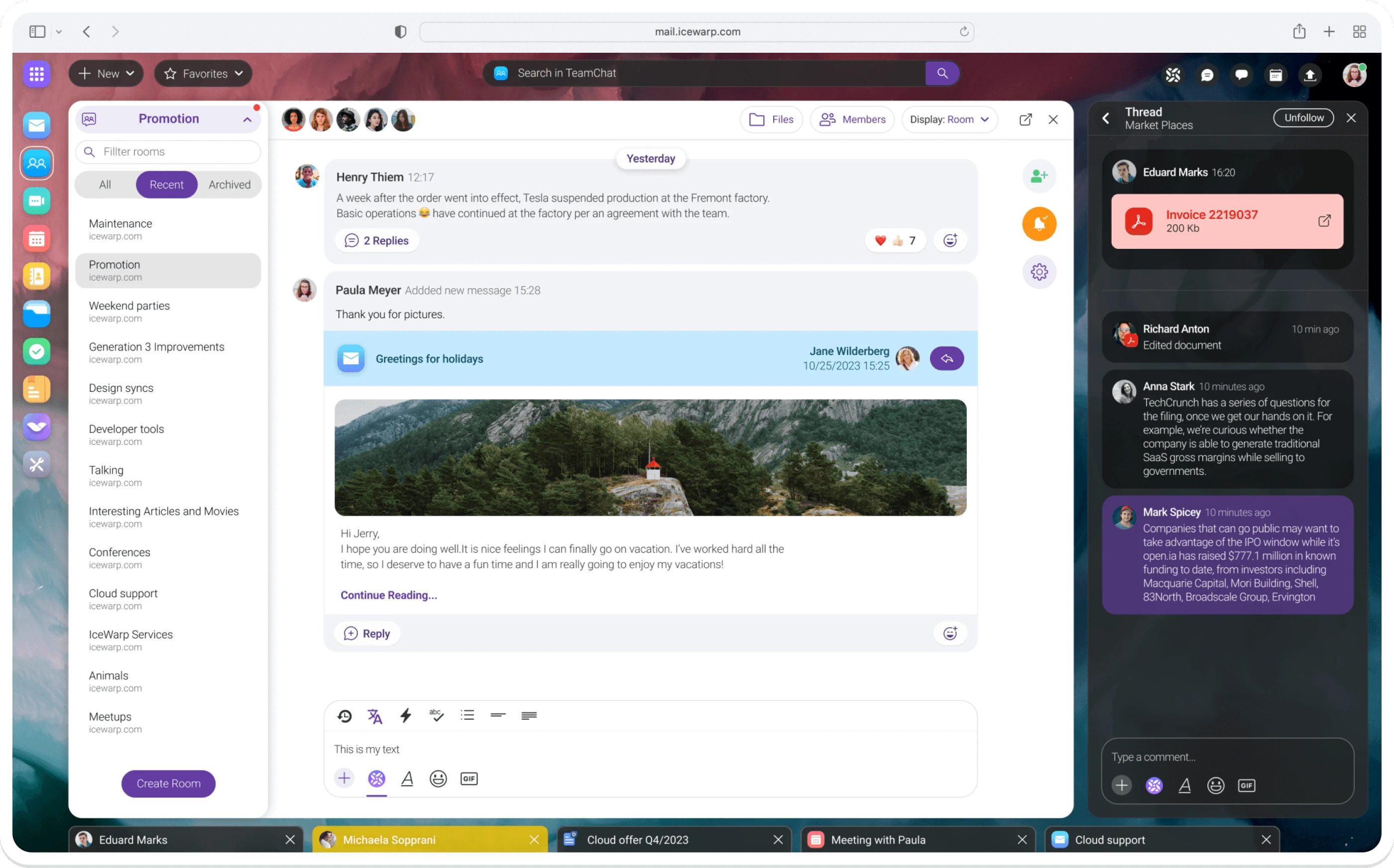
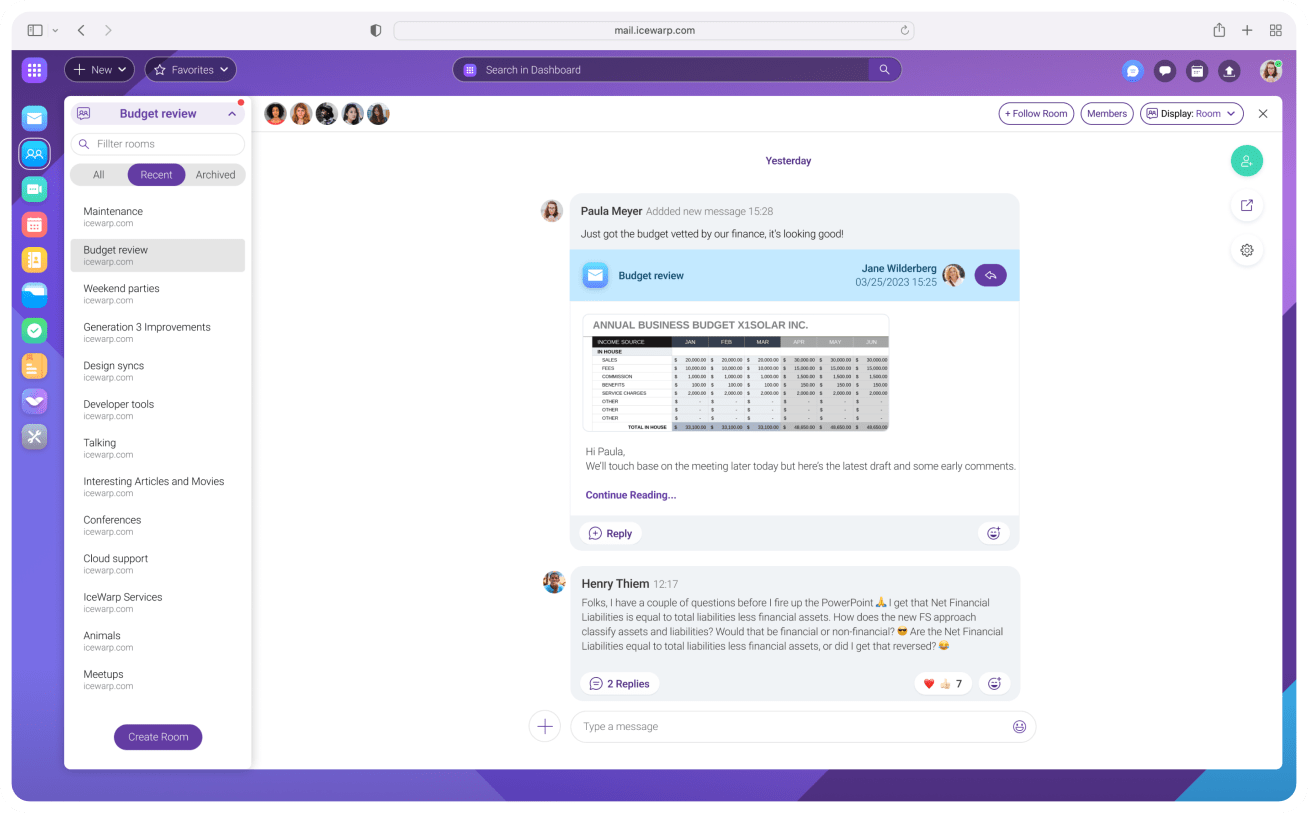
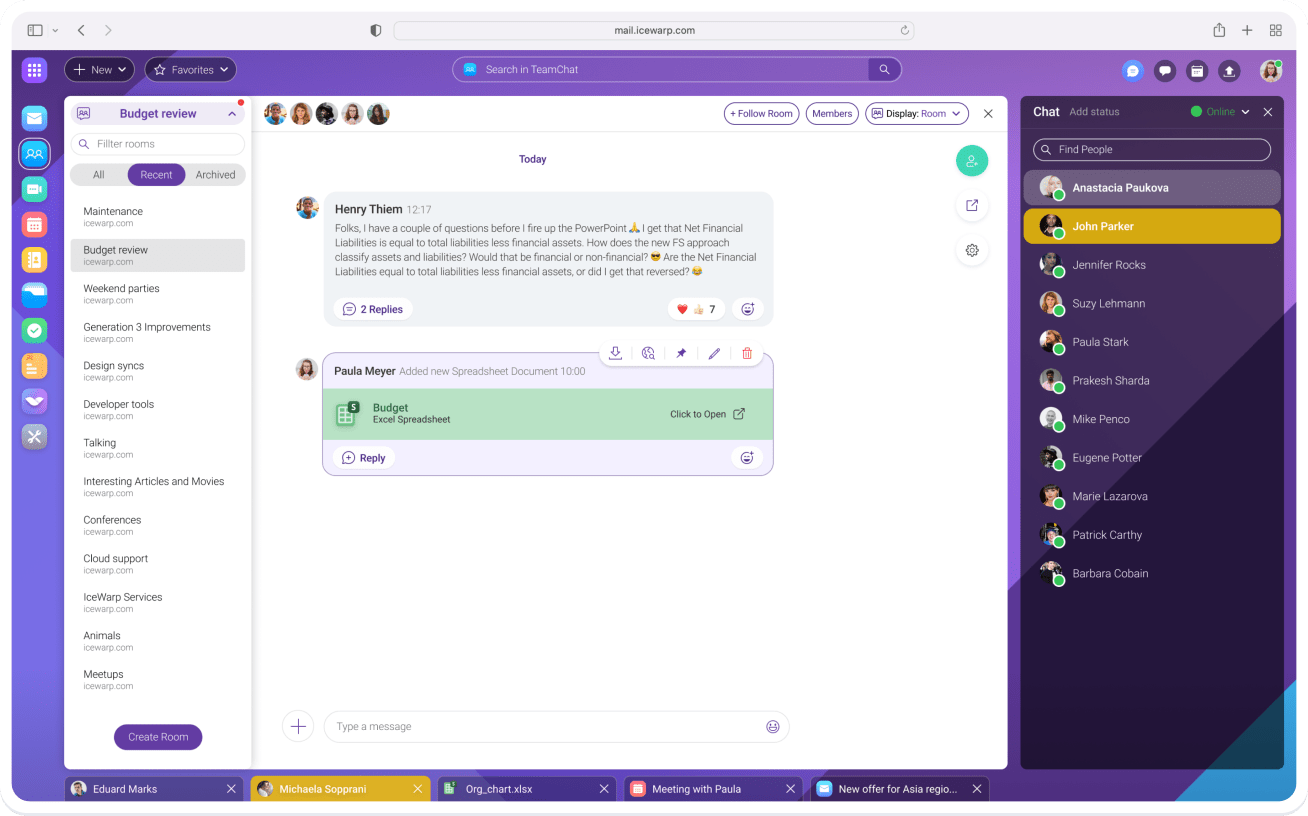
Chat in teams organized around projects, upload files, mention coworkers, comment on posted emails, pin important posts or use the embedded ChatGPT functionality. Integration with email enables sharing messages from inbox to a TeamChat room for colleagues‘ attention.


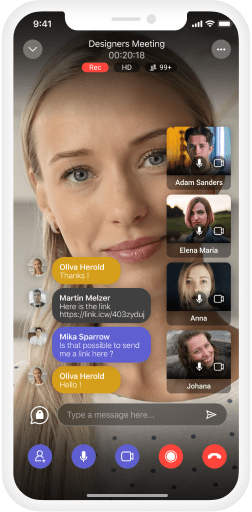
IceWarp secure Conferences are just a click away in the browser. Don’t install anything and get right to your next meeting. Conferences support up to 1000 participants and feature screen sharing, real-time chat, moderator role and a lobby mode.


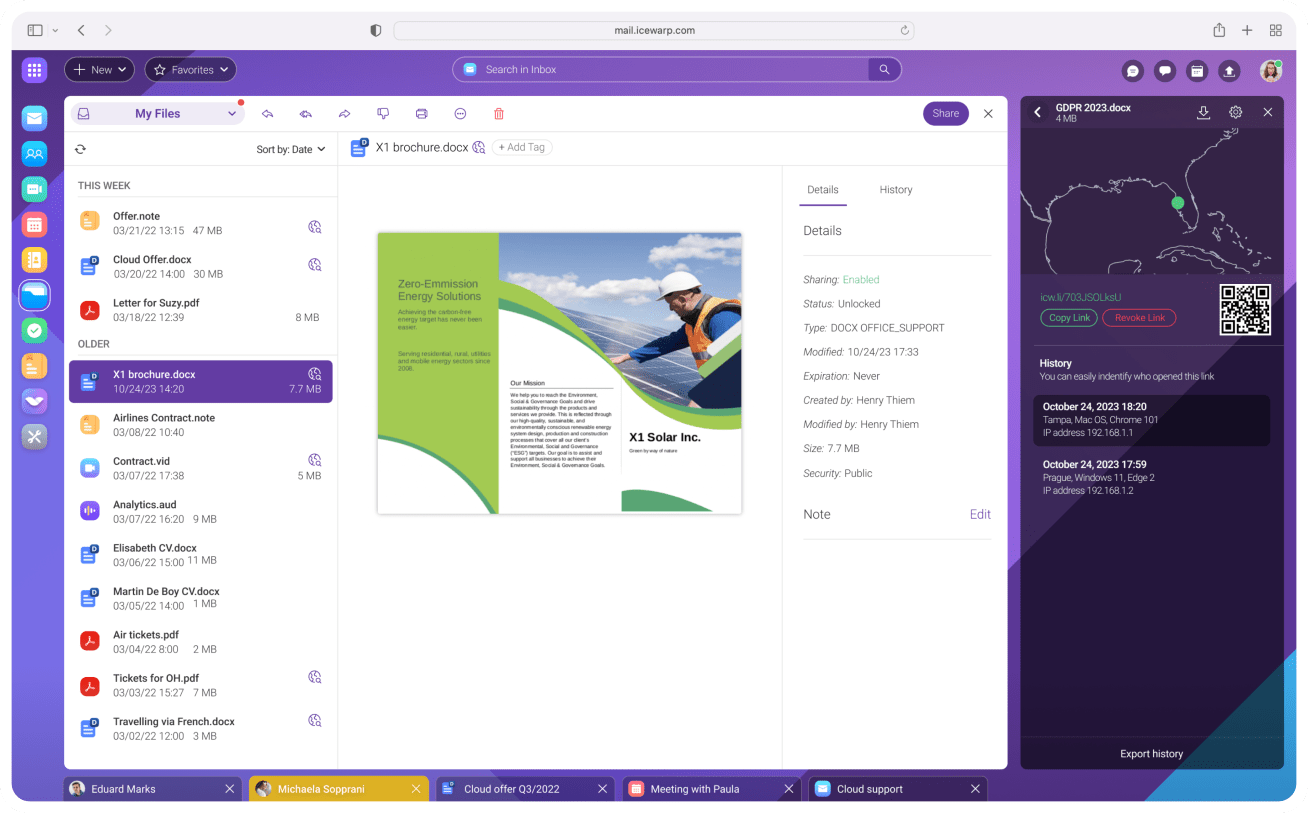
IceWarp offers 1TB of private cloud space to securely store all your content and make it available wherever you are. Cloud storage integrates with other collaboration tools, allowing you to create and collaborate in real time.

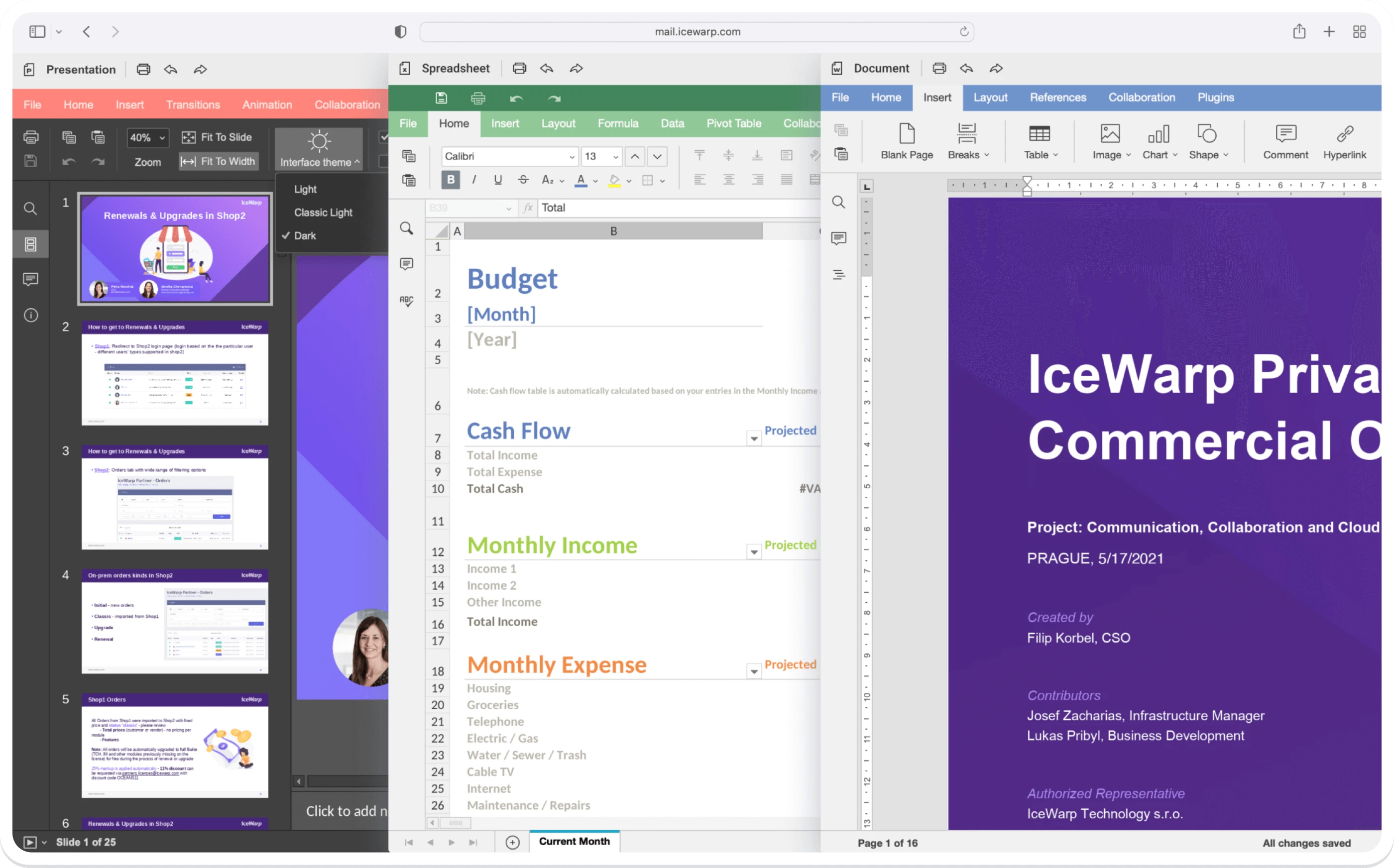
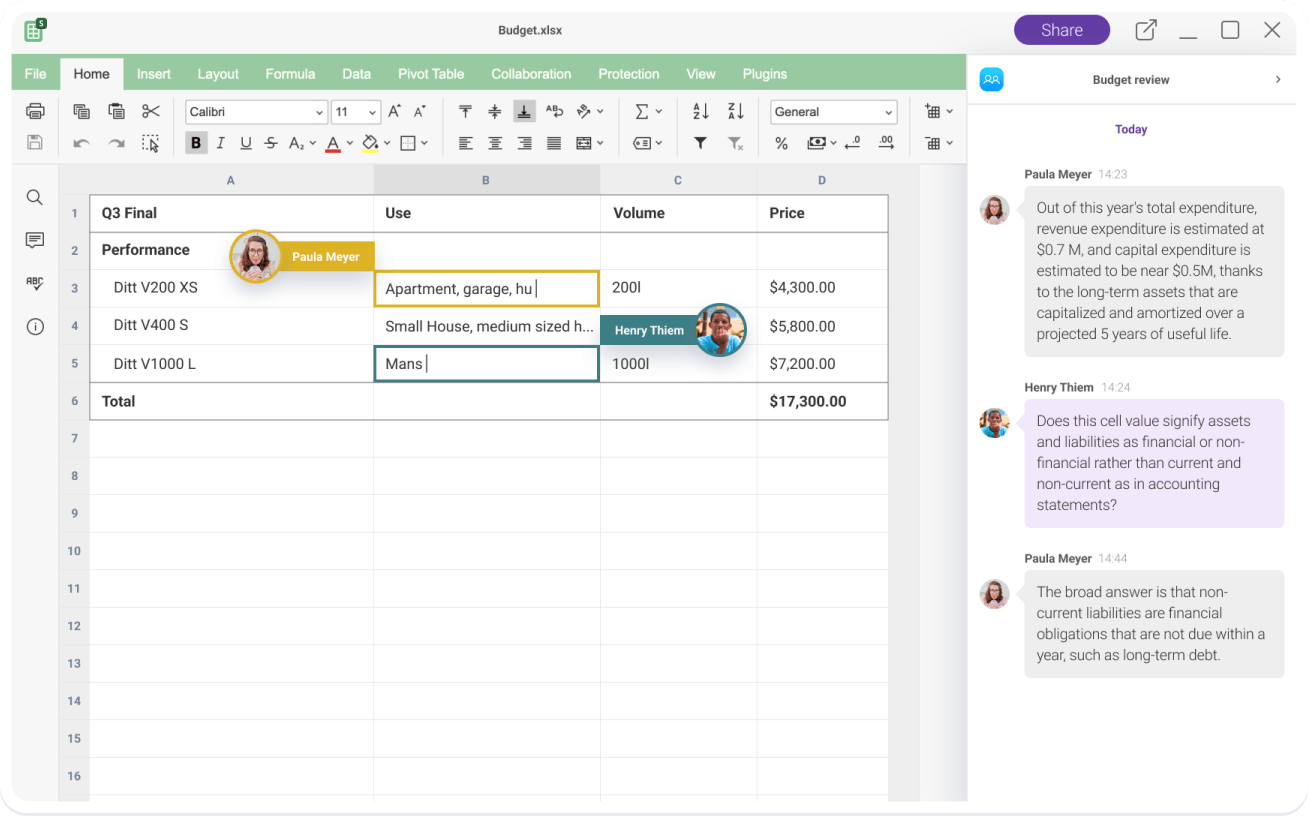
Documents, Spreadsheets, and Presentations. Comprehensive office suite for your team to get their job done remotely or while sitting at the same desk. Collaborative editing, history overview, change tracking and in-document TeamChat stream included.


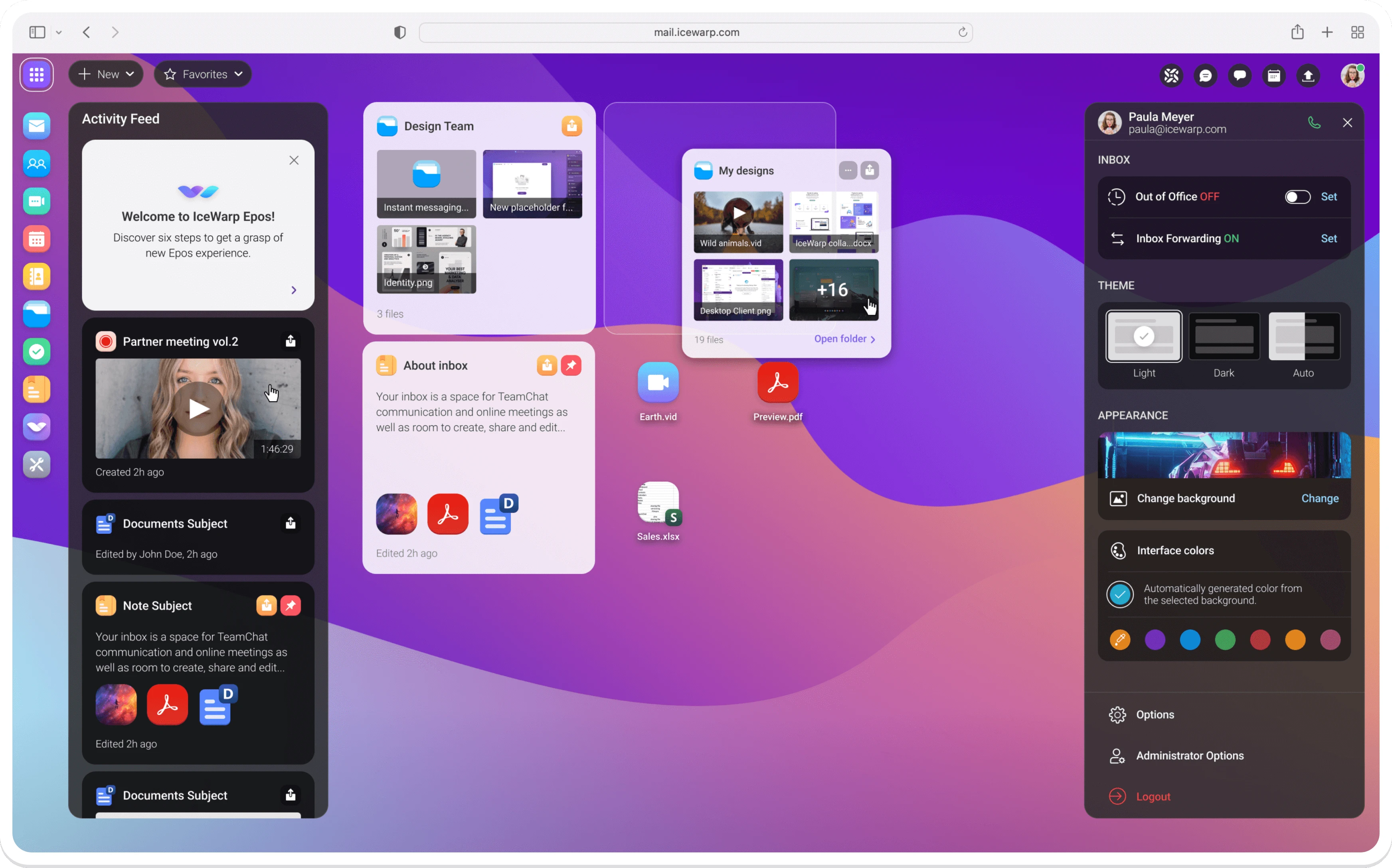
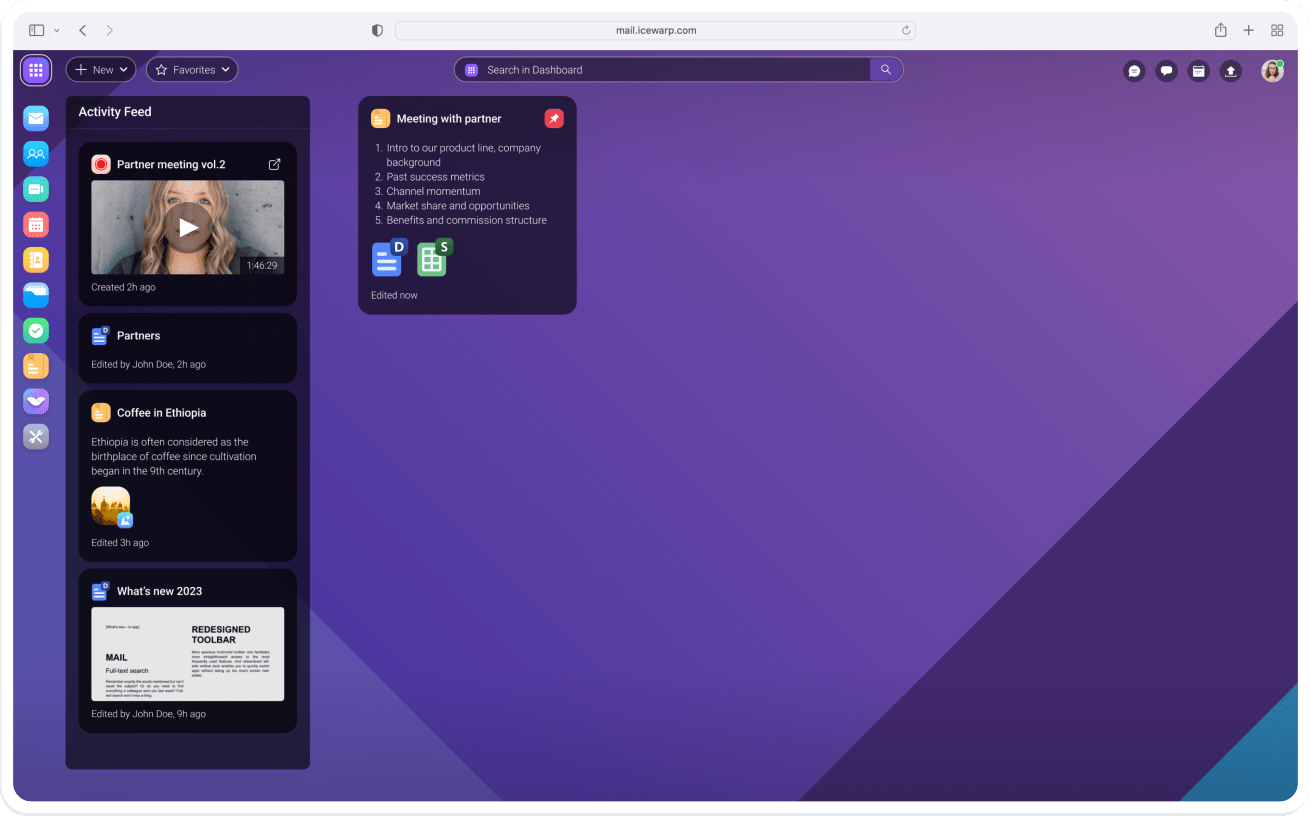
Our Dashboard is revolutionizing the way you interact with your data. It’s a fully customizable web-based environment allowing you to replace your cluttered desktop with a more efficient and user-friendly experience.

Turn your existing ChatGPT subscription into a powerful AI buddy for your office agenda. Let it do the heavy-lifting with getting your message across, translation, document authoring and more.
 Automatic response suggestions
 Translations between most world languages
 Grammatical text corrections
 Quick summary generation
 AI features available in Emails, Documents and TeamChat
Email, TeamChat, Conferences, Documents with collaborative editing and much more. All in a full-blown secure cloud as the best browser-based solution for your business.

Take it from the inbox and proceed to TeamChat for in-context communication and online meetings. You can even tap the AI buddy to translate the email or suggest a reply. And while in TeamChat, create, share and edit documents as a team.


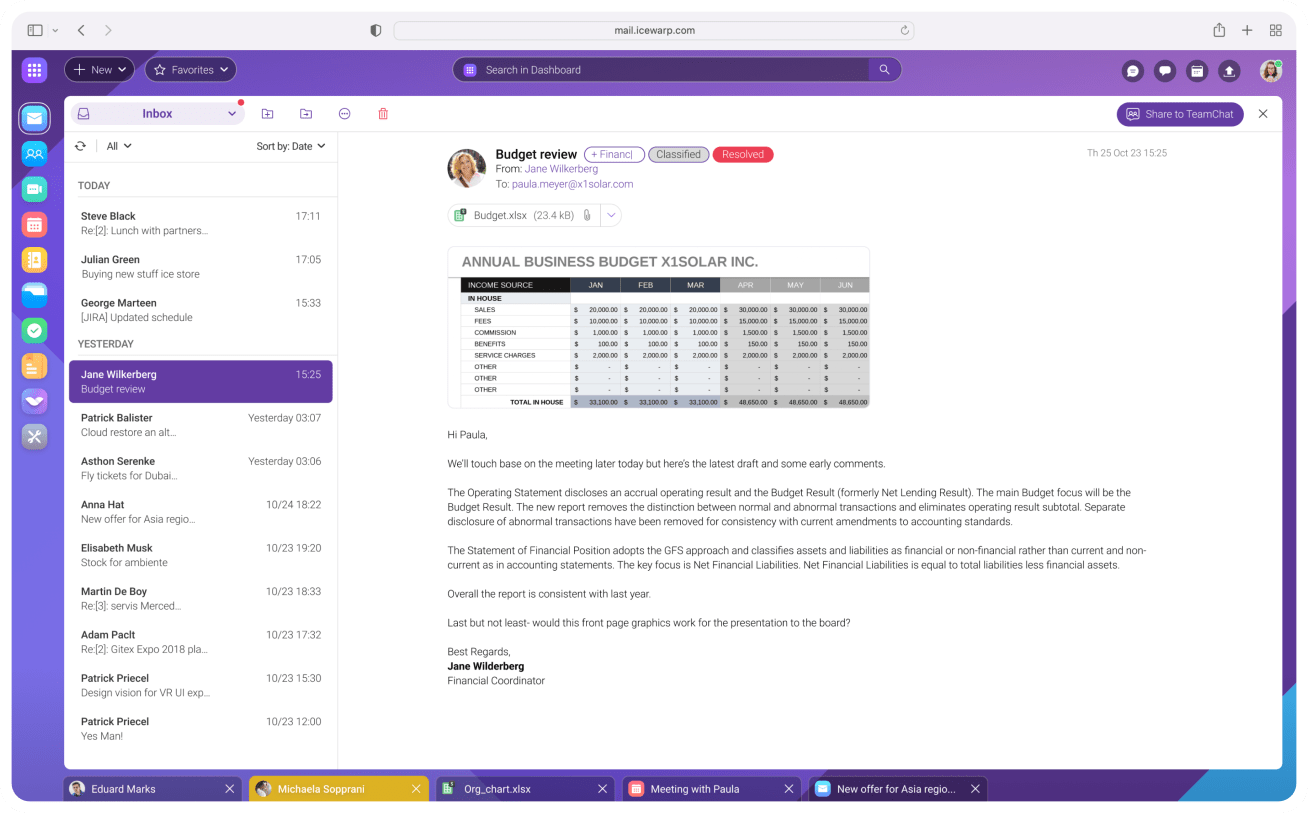

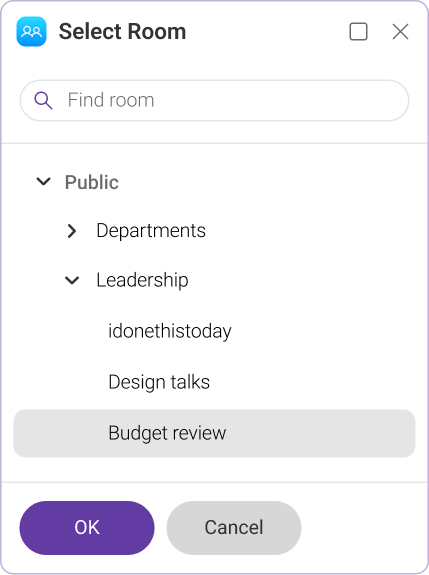
The Share to TeamChat button in the upper-right corner of the mail pane opens a dialog to share the message in a TeamChat room.



IceWarp secure Conferences are just a click away in the browser. Don’t install anything and get right to your next meeting. Conferences support up to 1000 participants and feature screen sharing, real-time chat, moderator role and a lobby mode.
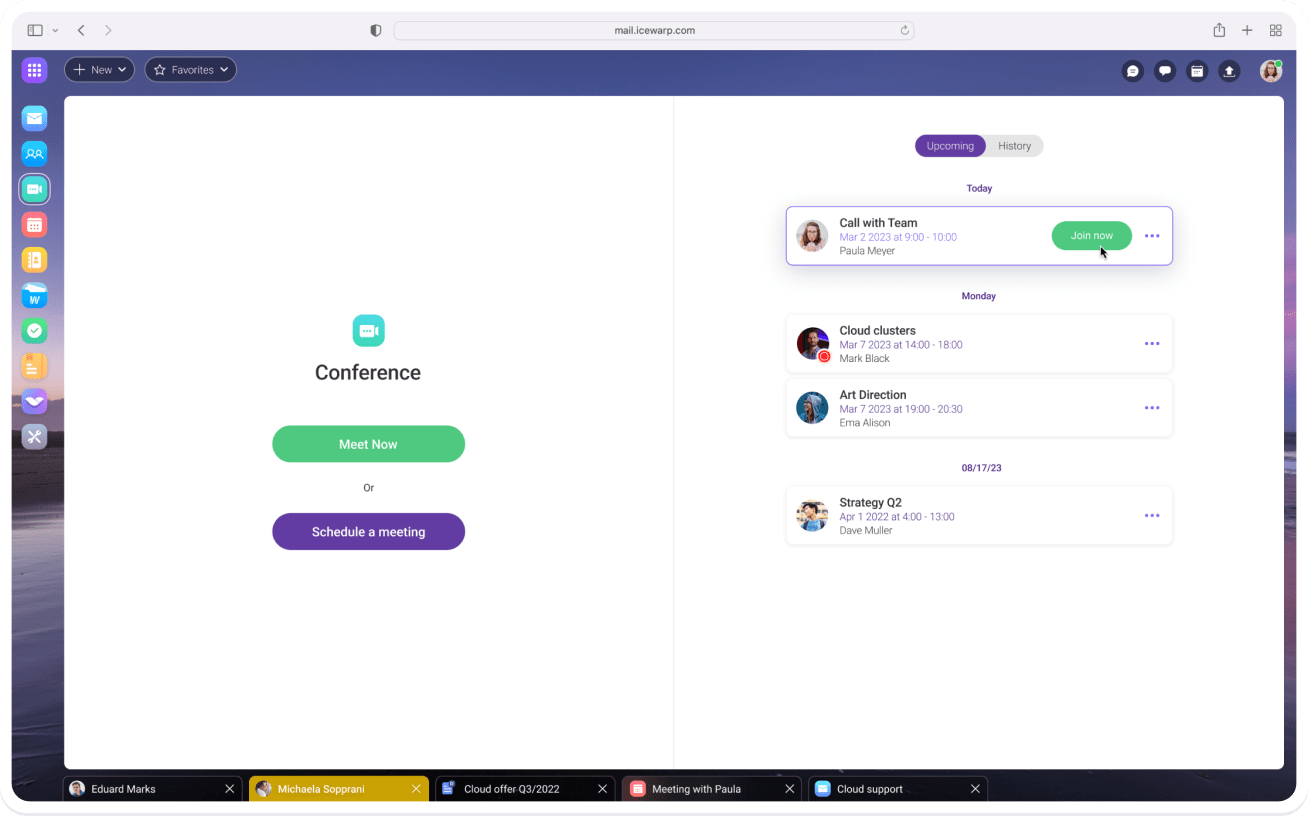




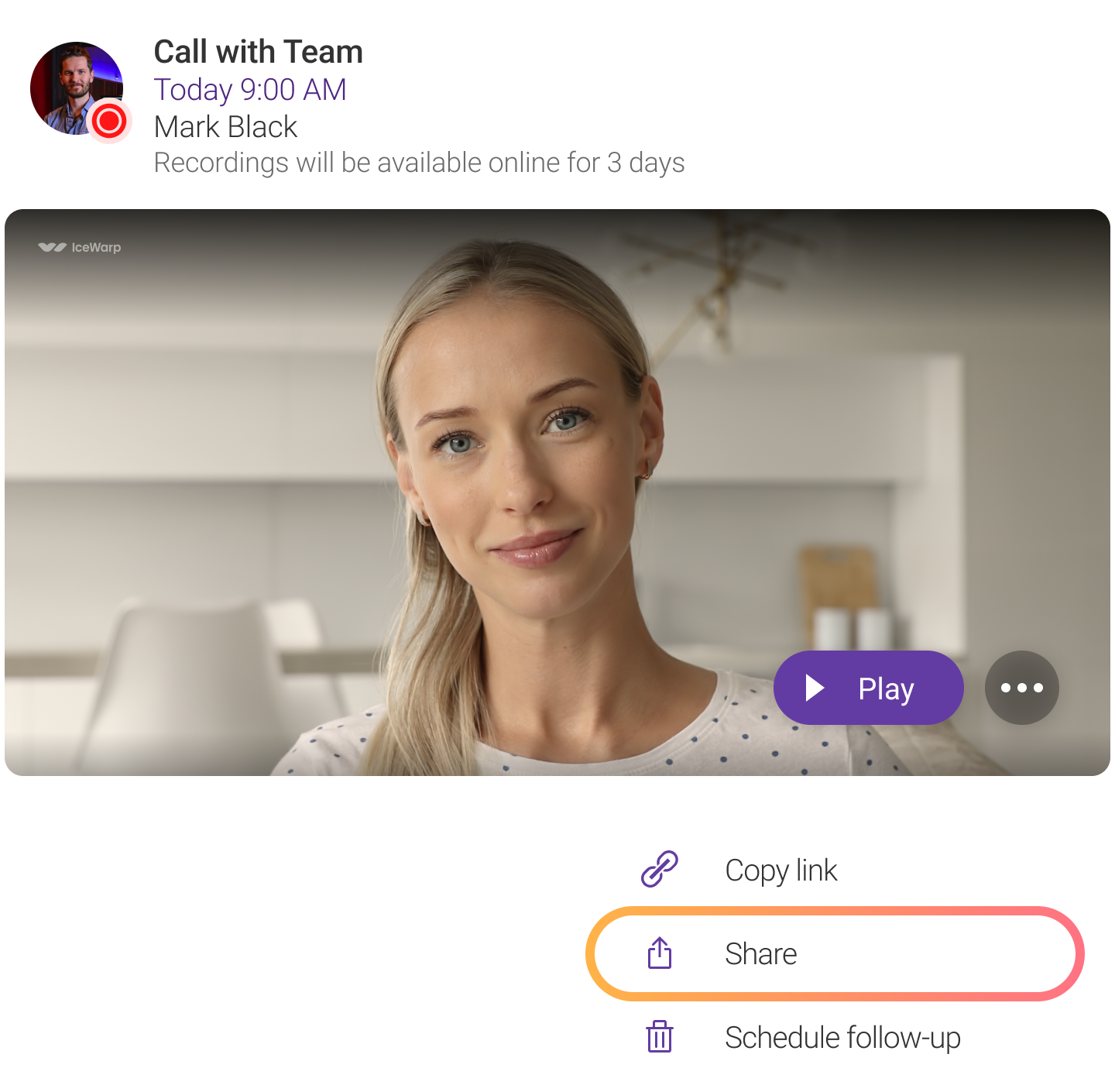



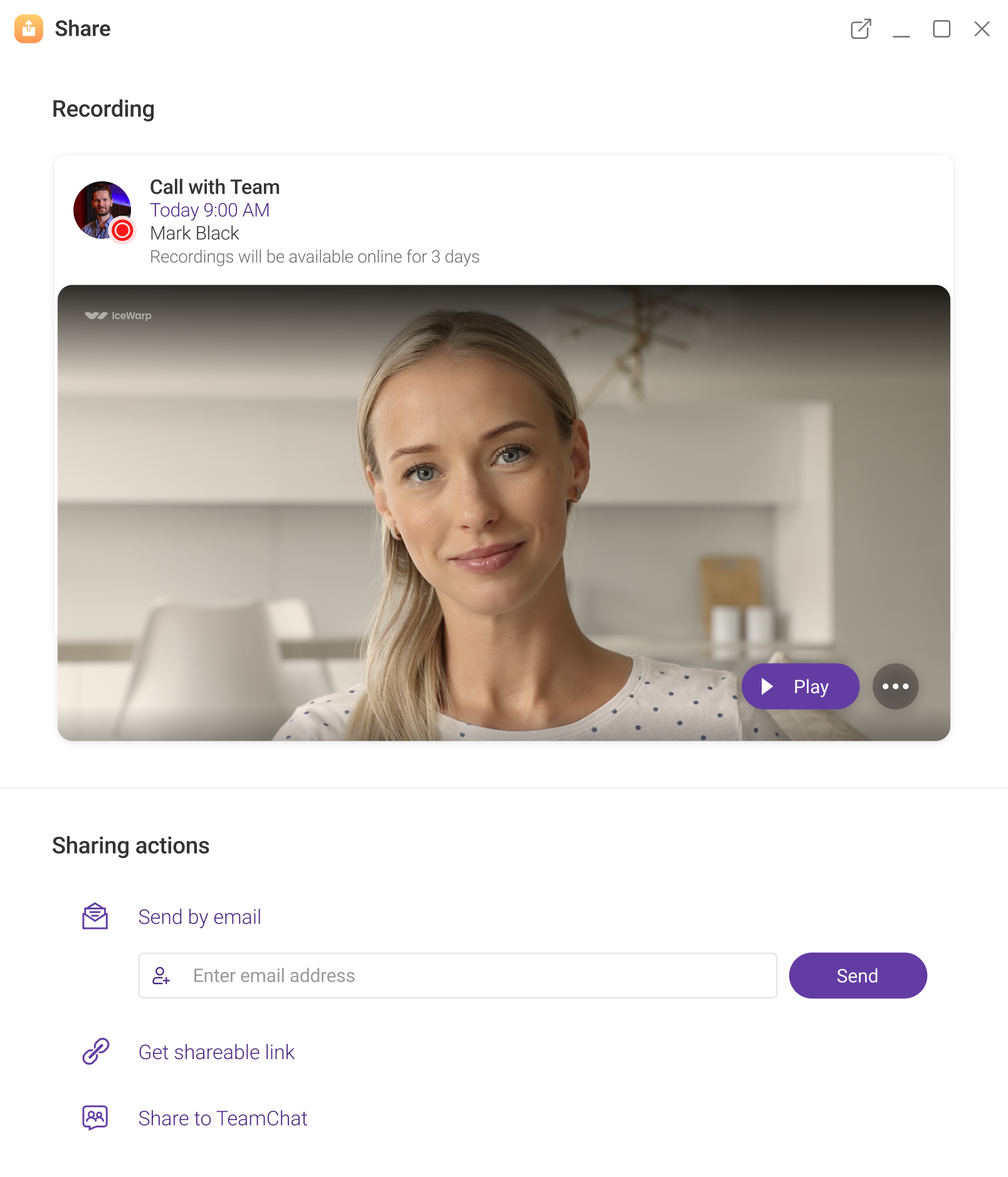
Easily share your meeting recordings with those who were unable to attend. Your recordings are available in the call history on Conferences home page, ready to replay anytime or share with anyone.

For easy sharing your recordings by email, relevant addresses are automatically suggested as you type. Or you can grab a link to share in any app as well as post your recording to a TeamChat room.

With TeamChat, working on multiple projects across ad-hoc teams is a seamless experience. Share files, emails and documents, use AI to rephrase or fix grammar in a document or even collaborate on its edits in real time.



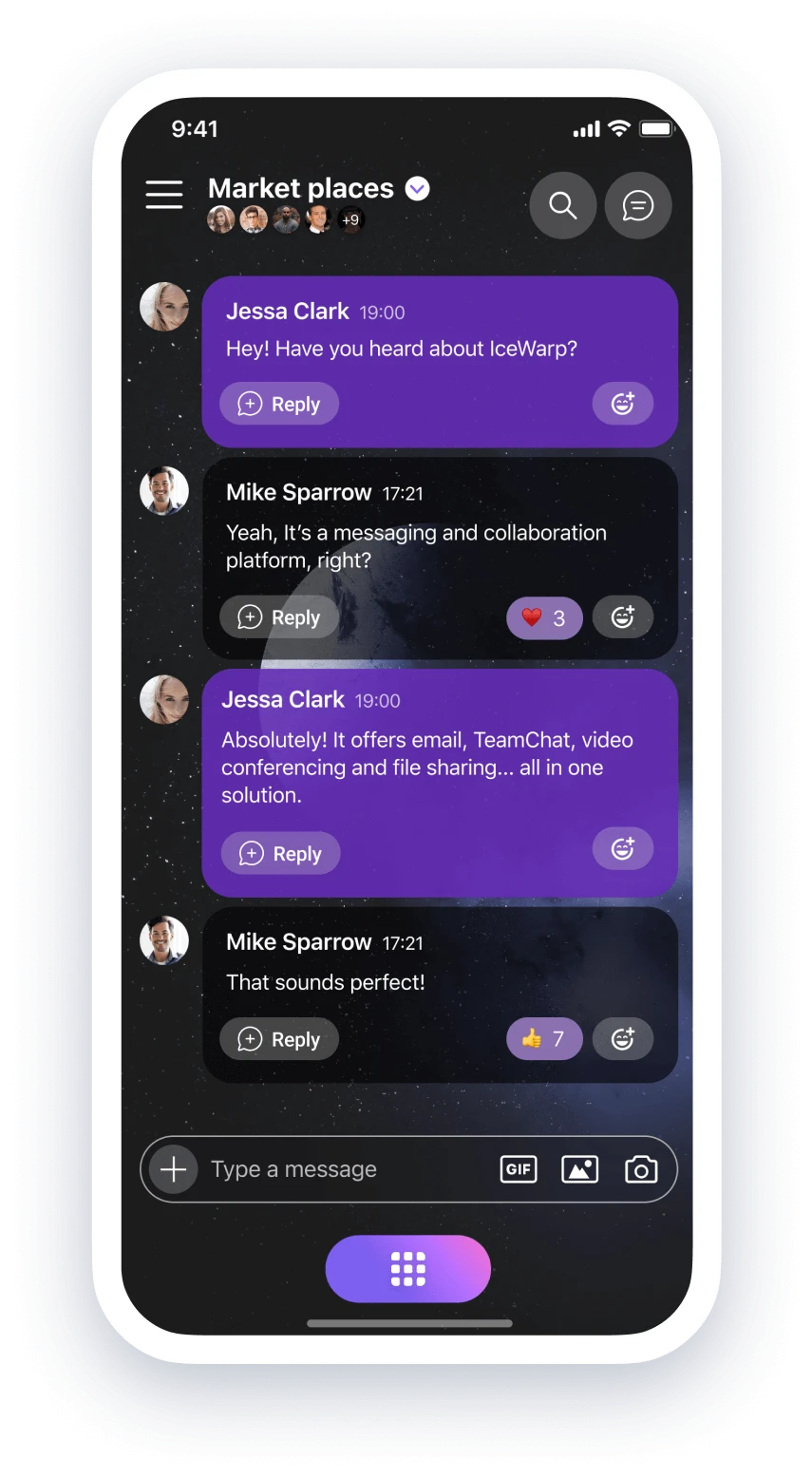
Grab a lunch to go? How about grabbing IceWarp mobile app to go! It’s got all of the above and over time we’ll add your business mail too.


TeamChat and Conferences functionality on the mobile, with Mail support coming later. Follow up on your discussions in TeamChat rooms with streamlined threads, file sharing and notifications for followed topics. Attend, host or schedule meetings in Conferences on the go, including recording and screen sharing.
 TeamChat
 Conferences
 Files
Emails (soon)
Files
Emails (soon)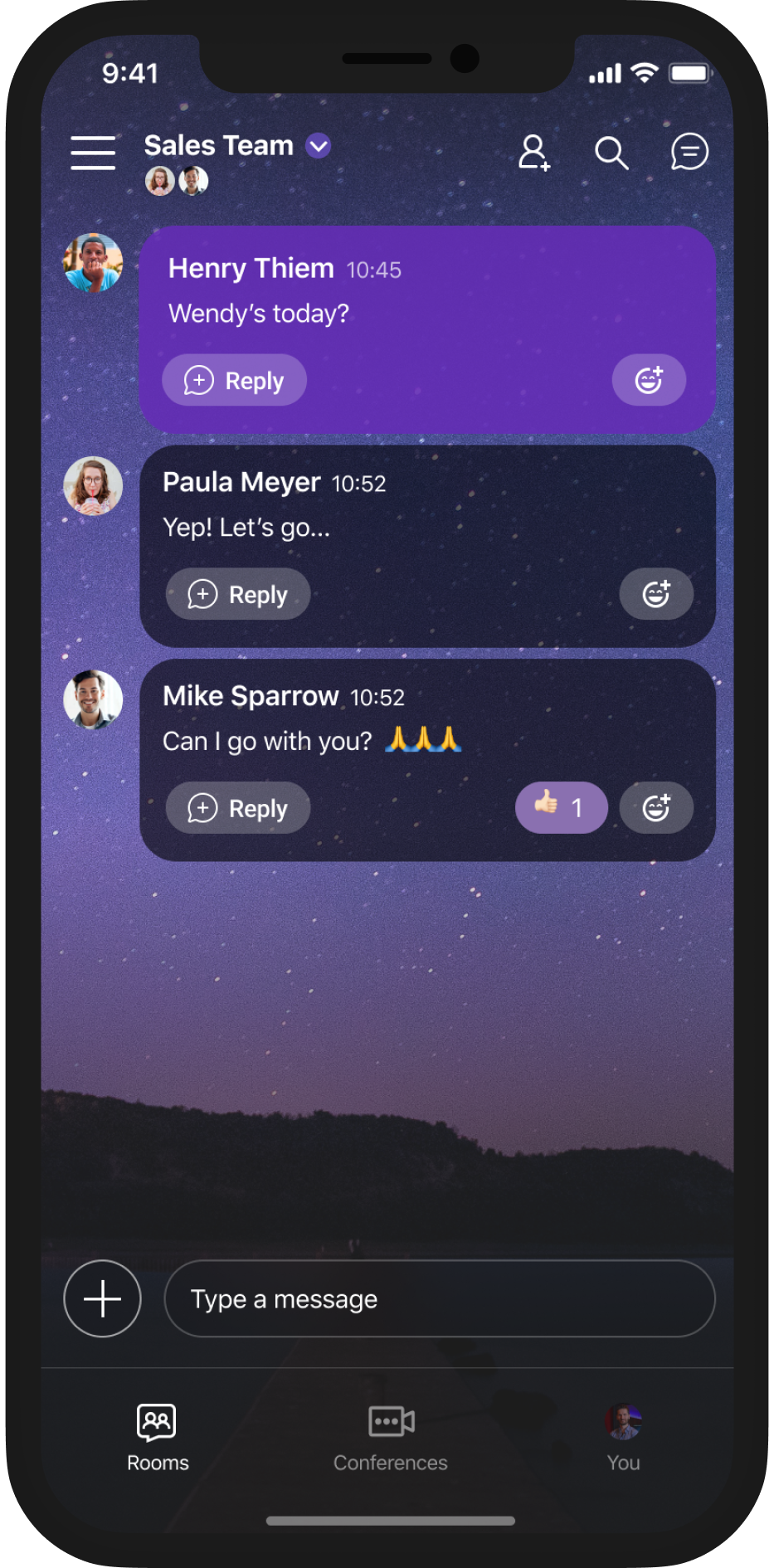



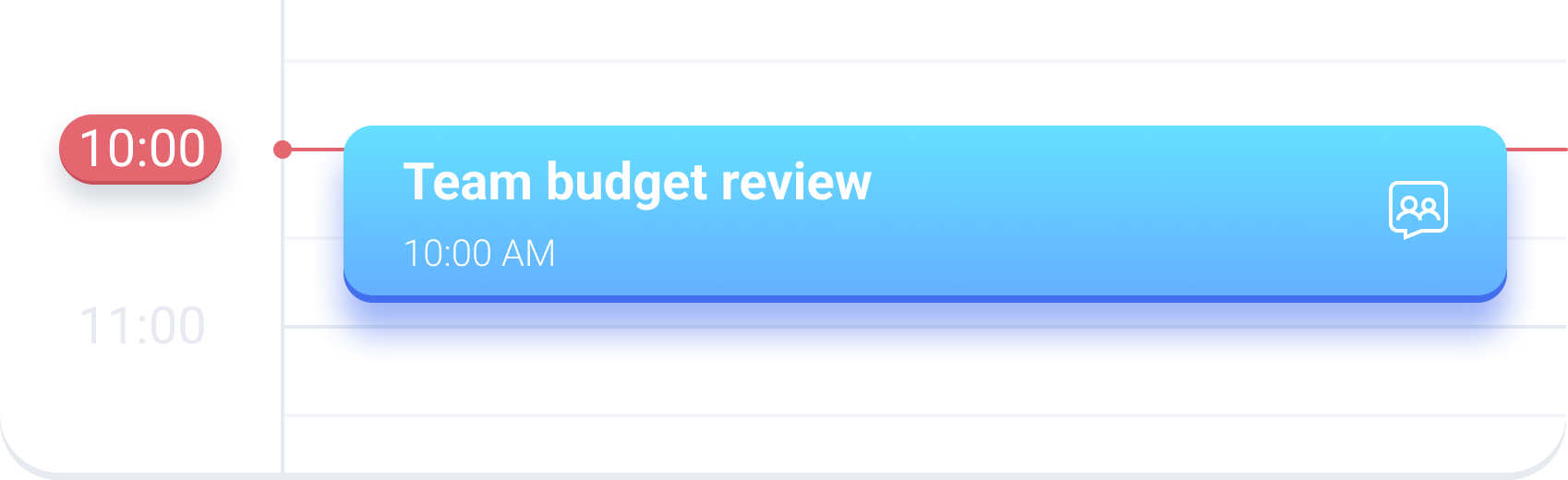
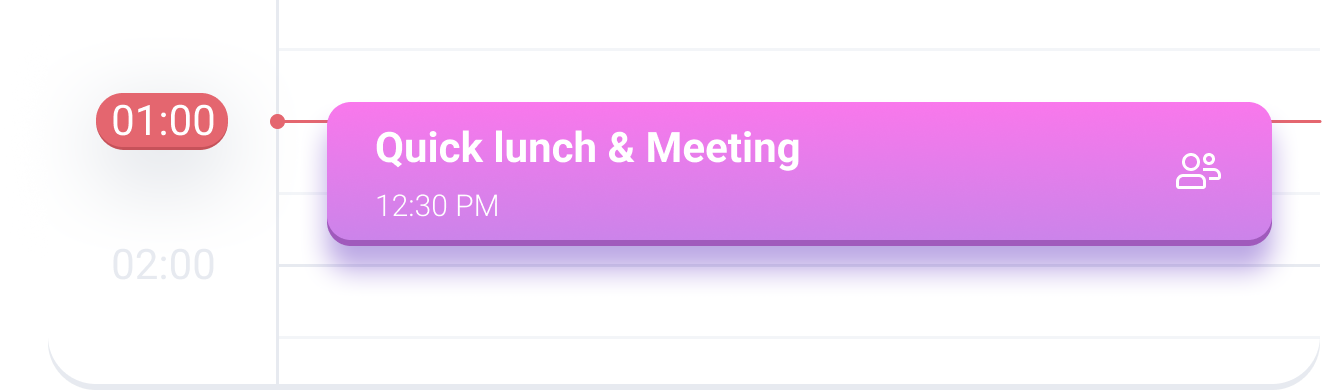
Whether you’re out for a lunch or at a meeting, Exchange ActiveSync support ensures you receive upcoming meeting notification right on time. Even if your invite changed at the last minute.


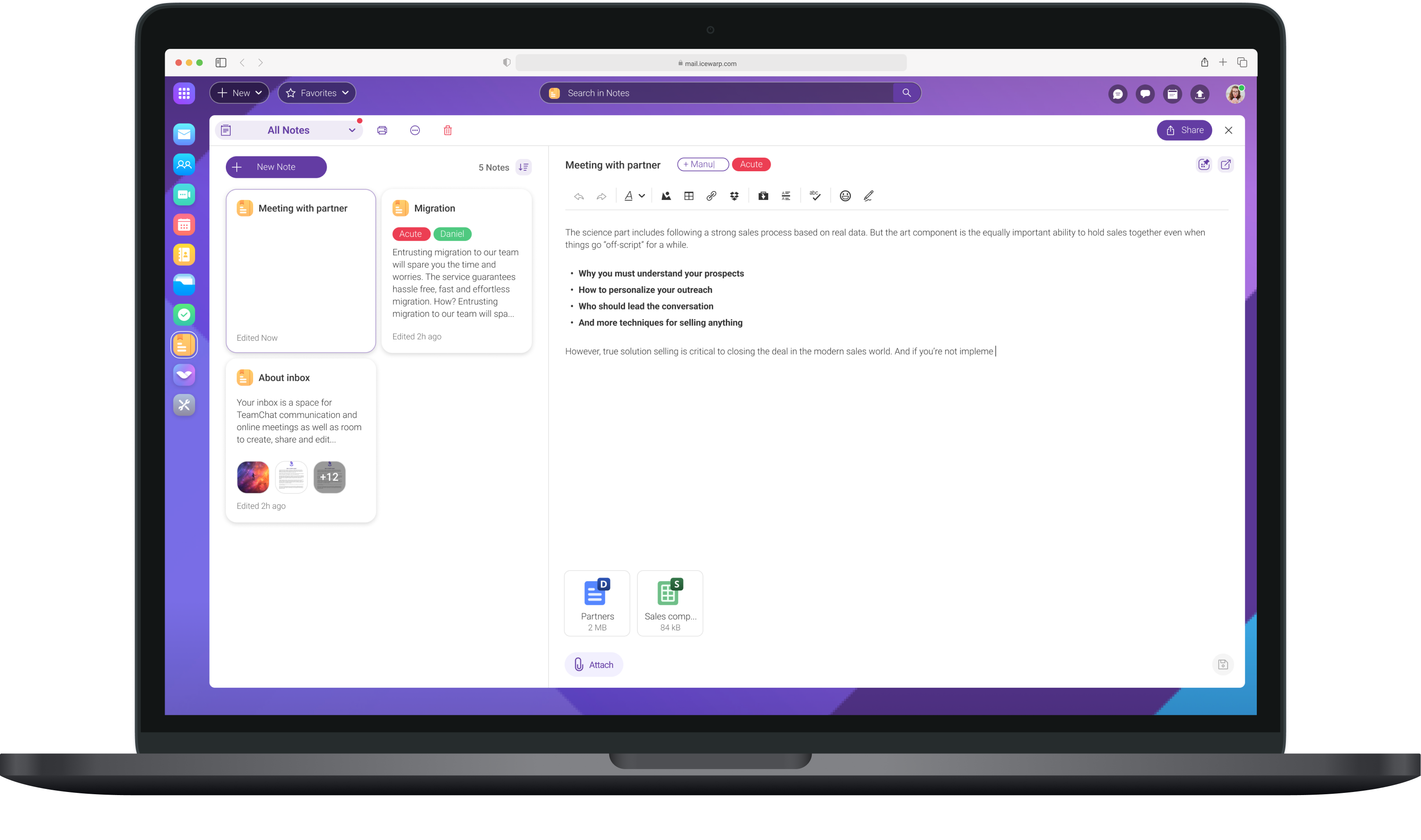
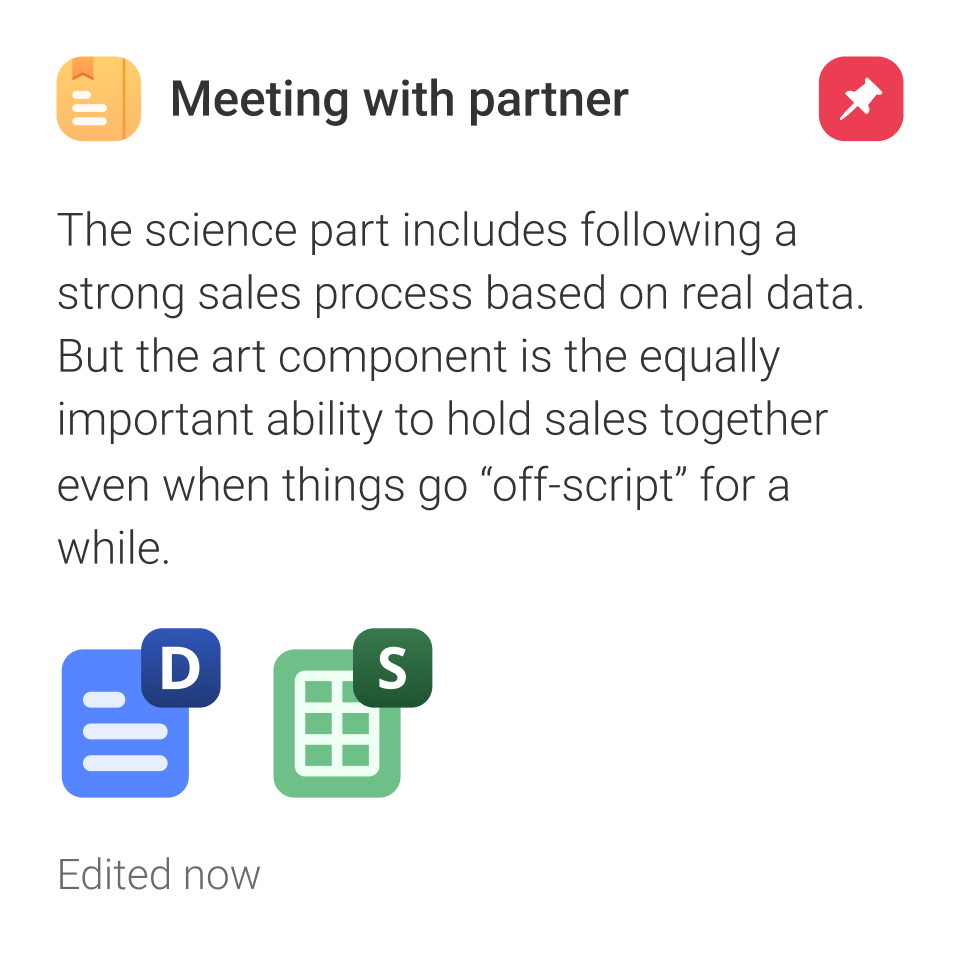
The Notes are now directly linked to your Dashboard so you never lose track of your pending tasks. You can pin them to the Dashboard, adjusting and formatting them to your liking.


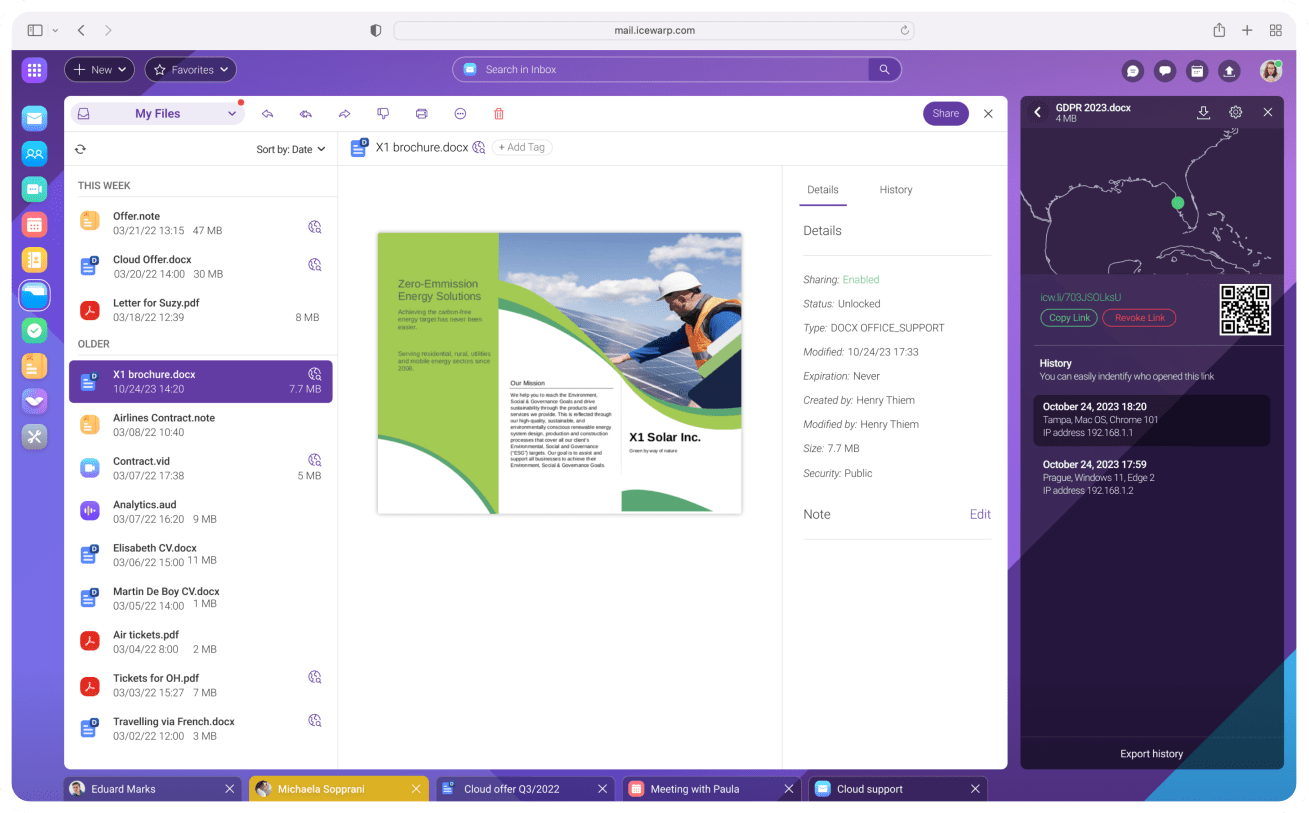
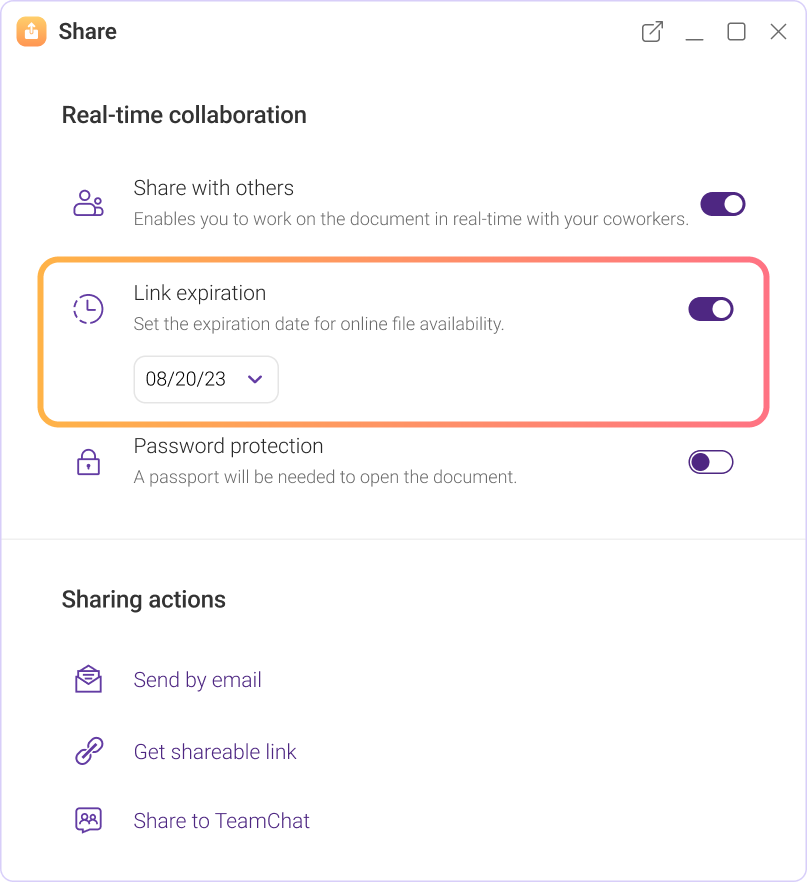
Stay in control of any files you share with comprehensive tracking, expiration and password locking.

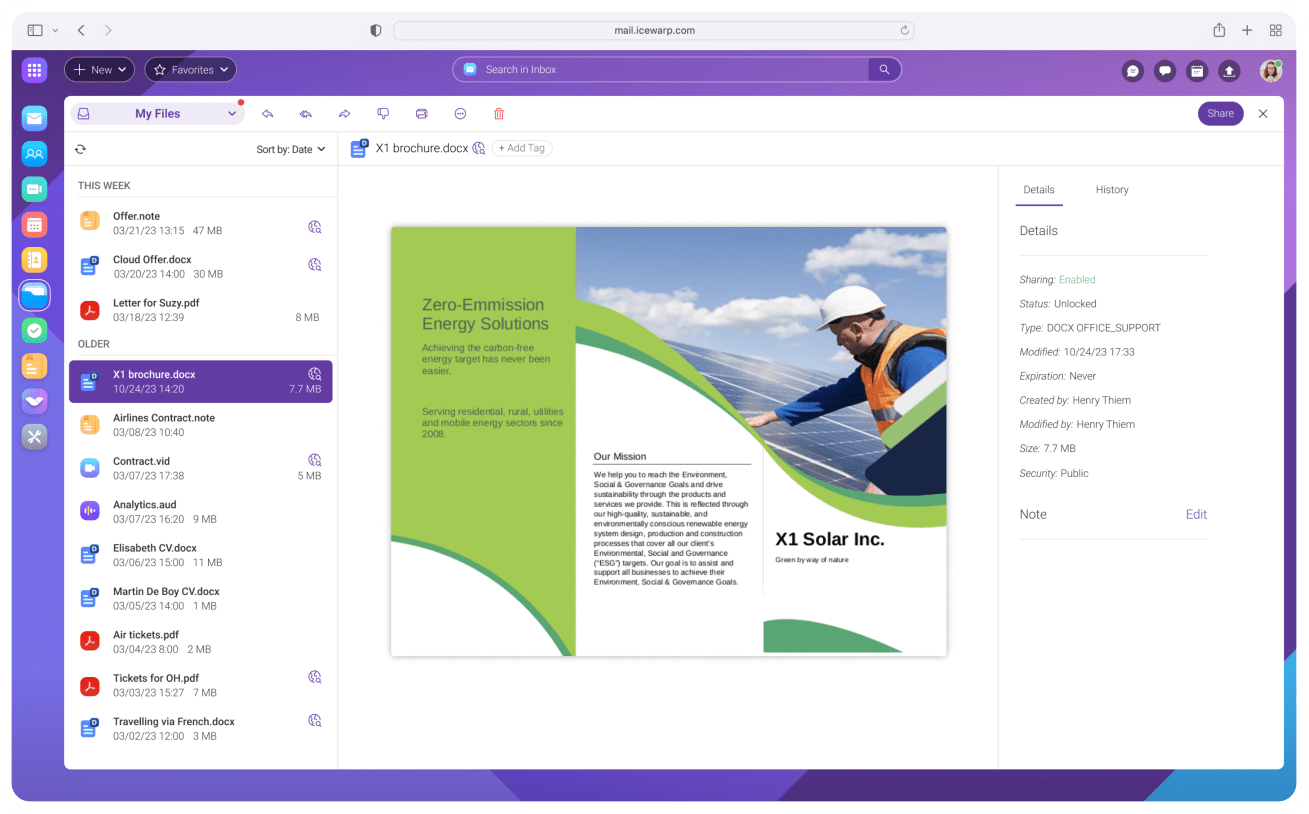

Any files and folders including your documents, spreadsheets and presentations can be shared as a link. In addition to bandwidth optimization, this gives you control over link expiry as well as new tracking options.

For any file you share, you get on overview of when and where it’s been accessed. Just what you need to stay in control of your sensitive data.